Adjustable Laptop Stand for Desk: A Better View for Work and Study
This article contains affiliate links. As an Amazon Associate I earn from qualifying purchases.
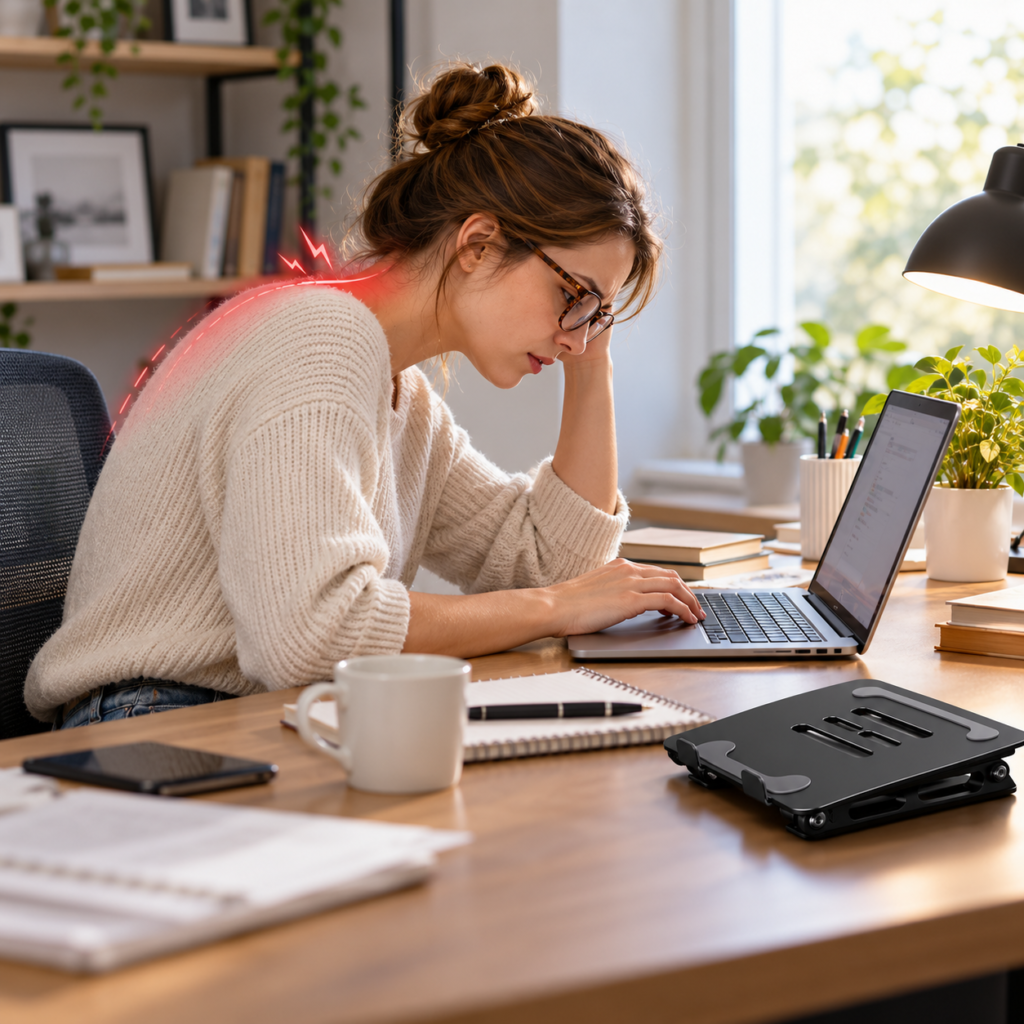
There is a familiar moment in a long workday when you catch yourself leaning closer to your laptop. The screen is sitting on the desk, your shoulders are drifting forward, and even a tidy workspace starts to feel a little cramped. You might have a good chair and a perfectly decent laptop, yet the screen still seems to be in the wrong place.
That is where an adjustable laptop stand for desk use becomes interesting. It is not a dramatic office makeover. It is a way to change where your screen sits, and, with the right accessories, how the rest of your desk works around it.
Why an Adjustable Laptop Stand for Desk Changes the Setup
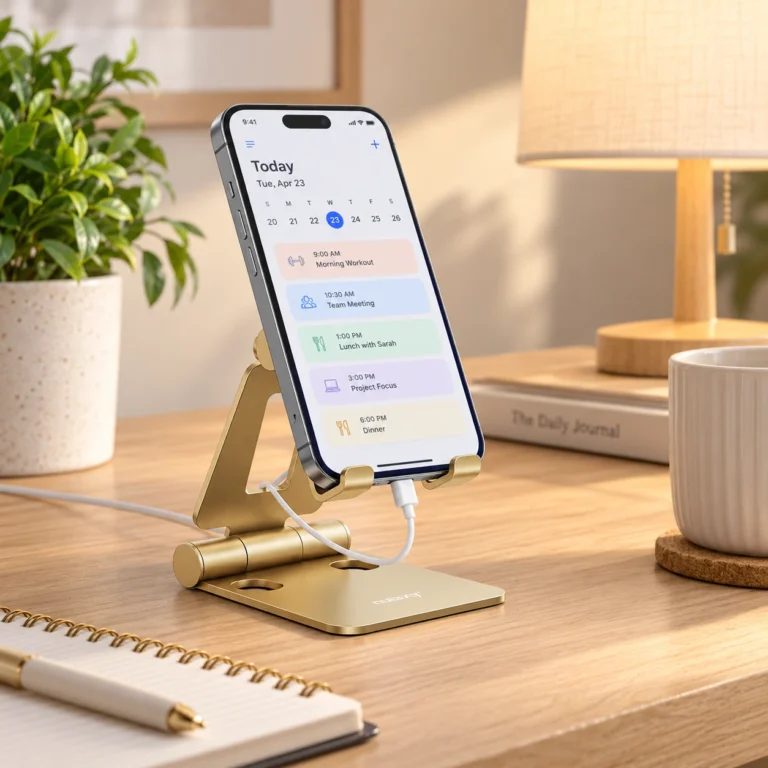
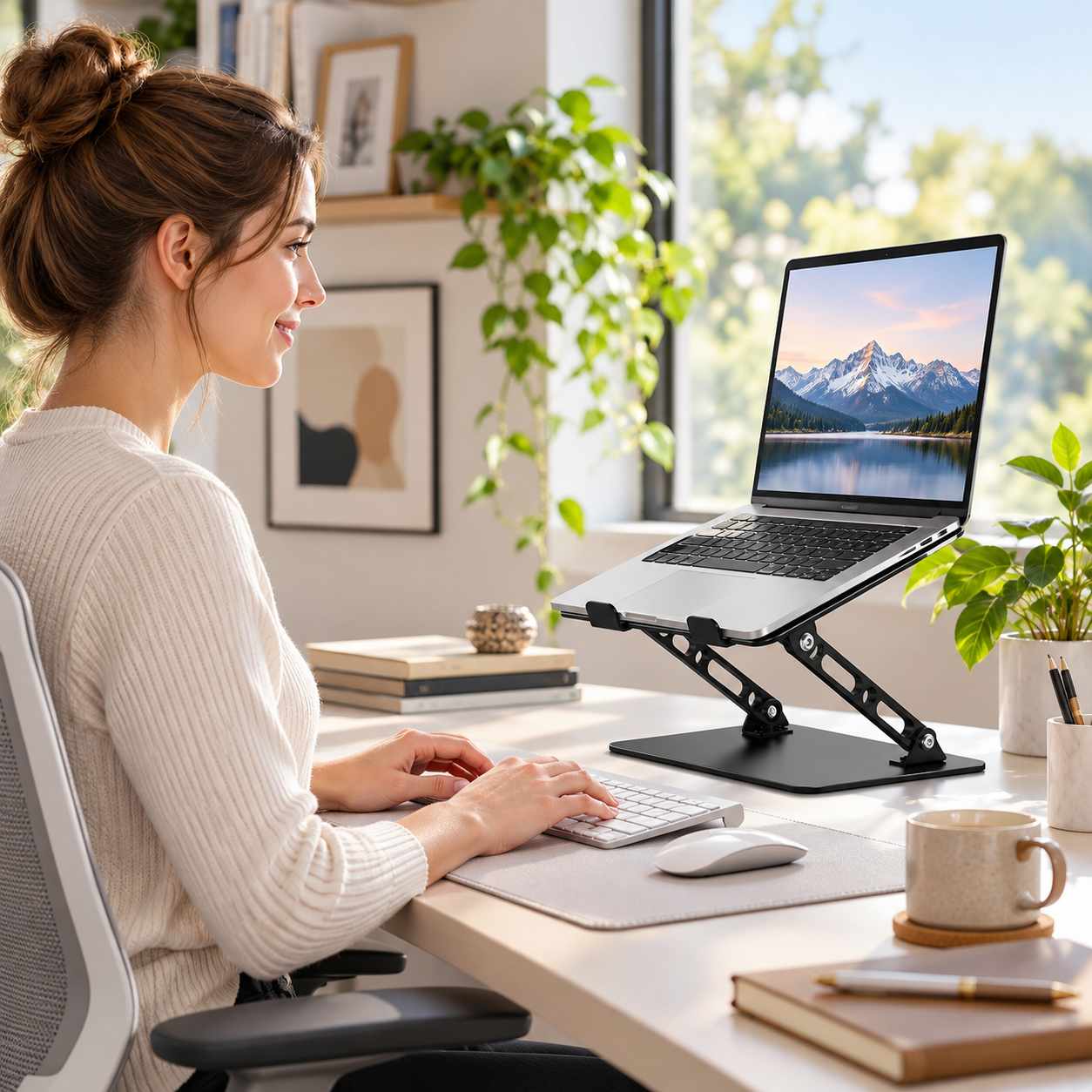
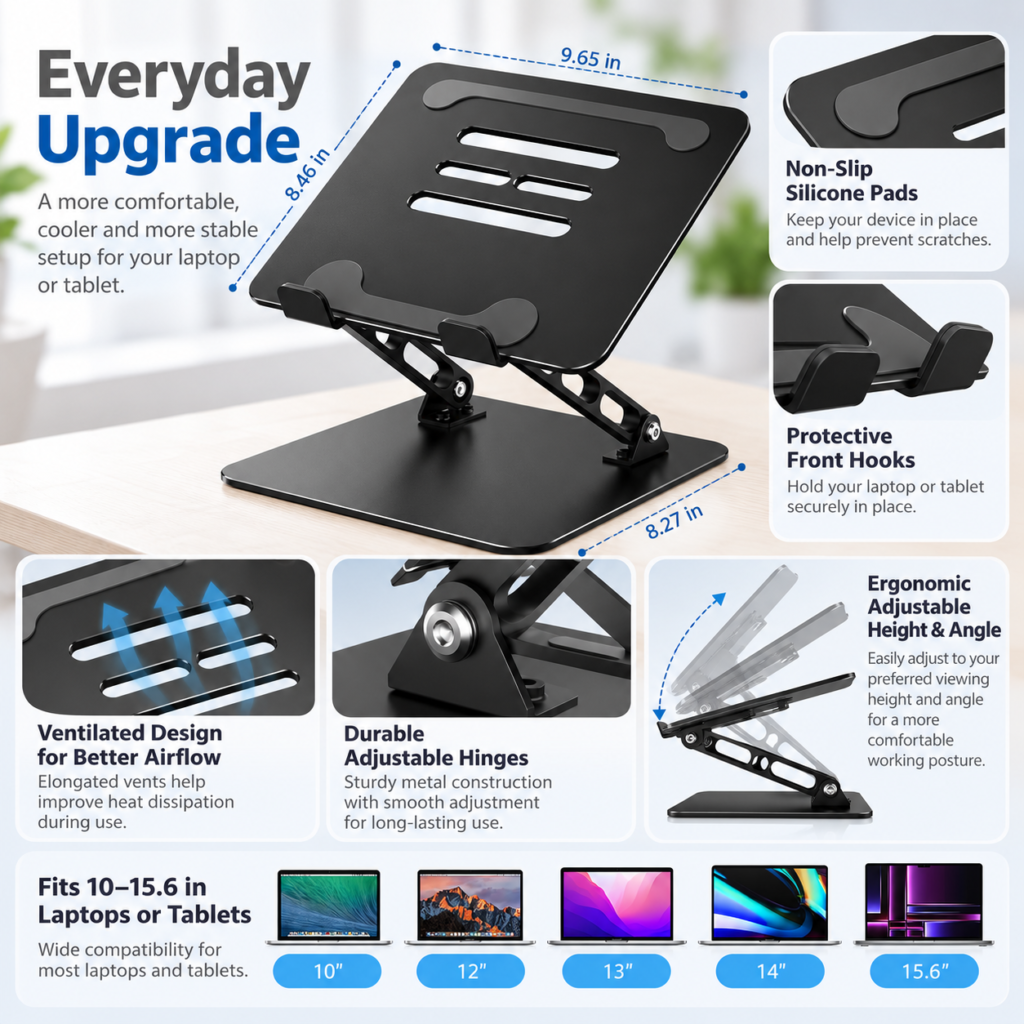
The Gogoonike adjustable laptop stand raises a laptop above the desktop and lets you change the viewing angle. Instead of treating the laptop as one fixed piece of equipment, you can position the display more deliberately. The raised screen can also leave a little more visual breathing room around the keyboard, mouse and notebook.
The benefit depends on how you work. If you type directly on your laptop all day, raising it high may put the built-in keyboard at an awkward angle. With a separate keyboard and mouse, though, the screen and your hands no longer have to share the same position. That flexibility is the real appeal.
What This Foldable Laptop Riser Actually Offers
Height and angle adjustment
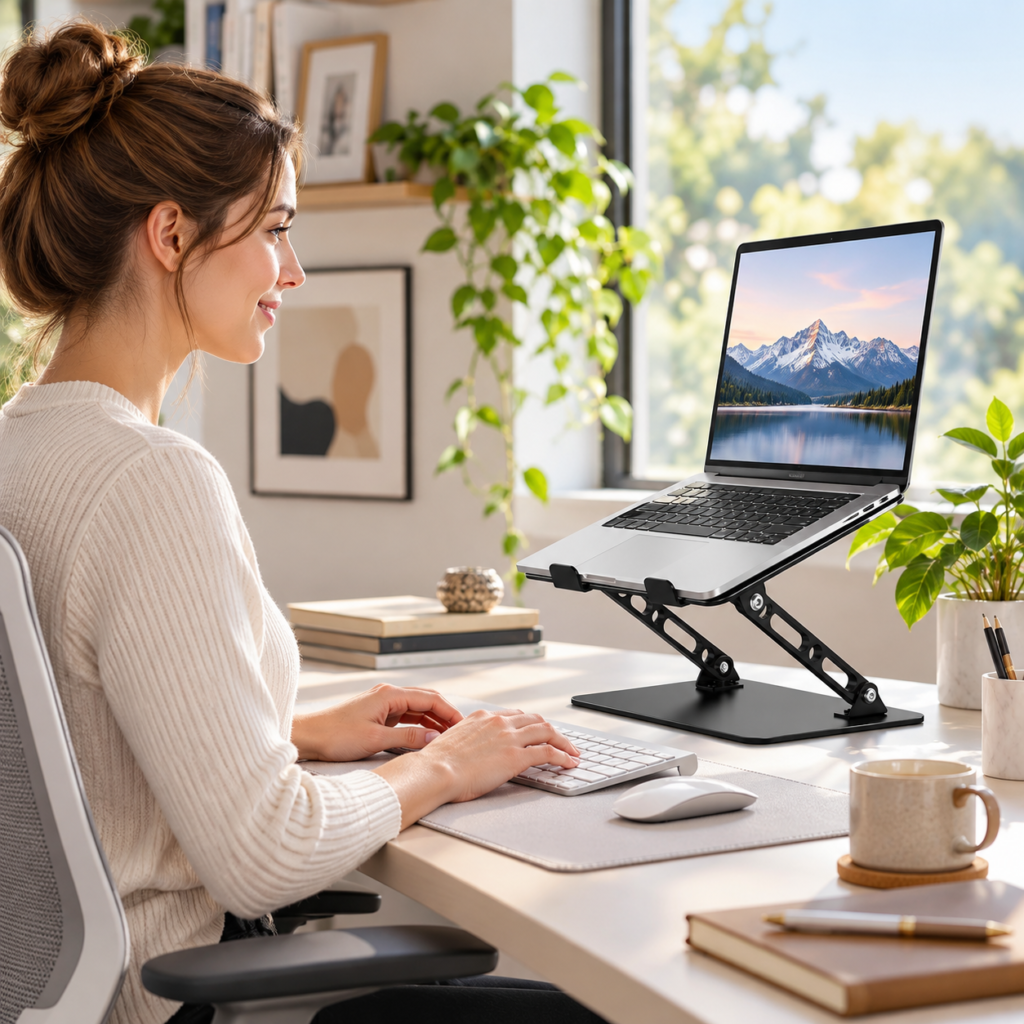
The stand uses a hinged platform and support arms, allowing the laptop to sit higher and at different angles. That matters because desk height, chair height and the distance to your screen are different for everyone. You can experiment with a viewing position that feels sensible for your setup rather than accepting the angle of a laptop resting flat on the desk.
Ventilation and protective contact points
Open slots in the platform leave space for air to move beneath the laptop. The surface also includes protective pads, while front hooks help keep the device from sliding forward. These are practical details, not guarantees: airflow still depends on the laptop’s own cooling design, and you should always confirm the stand fits your device securely.
Foldable metal construction
A foldable stand is useful when a desk needs to serve more than one purpose. You can raise your laptop for a work session, then lower or move the stand when you need room for writing or another task. The metal frame gives the setup a structured feel, but the most important test is how stable it remains at the height you actually use.
The External Keyboard Makes the Difference
A raised laptop screen and a separate keyboard are a natural pair. Your display can sit closer to your preferred eye level while your hands remain on the desk. A mouse helps complete the arrangement. It is a small change in equipment, but it can make switching between typing, reading and video calls feel less constrained.
You do not need to turn your desk into a complicated workstation. A compact keyboard, a mouse and a stand may be enough for a simple home-office or study setup. Just leave enough space for cables and make sure the laptop has adequate ventilation.

What to Check Before You Buy
Laptop fit and weight
The Gogoonike listing identifies compatibility with laptops in the 10–15.6-inch range. Check your own device’s dimensions, weight, underside vents and edge shape against the current listing. A laptop can fall within a screen-size range and still have a shape that deserves a closer look before purchase.
Stability and viewing height
Think about the position you actually want, not simply the highest position a stand can reach. A taller setup may make the screen easier to view, but it also makes stability and hinge resistance more noticeable. If you frequently adjust the height, consider how easily you can move the platform and whether you are comfortable repositioning the laptop when necessary.
Also decide whether you need a permanent desk accessory or something to pack away regularly. A foldable design can help with storage, but it is worth checking the current product weight and folded dimensions rather than assuming every metal stand is travel-light.
Who Will Get the Most Use From It?
This kind of stand makes the most sense for someone who spends time reading, writing, studying or joining calls at a desk and is willing to use a separate keyboard and mouse. It may be less convenient for anyone who needs to type on the laptop’s built-in keyboard while the screen is elevated, or who wants a single-piece setup they can move around constantly.
If your main problem is limited desk space, measure the stand’s footprint first. If your main goal is screen positioning, pay closer attention to the usable height range and how it fits your chair and work surface. The right choice is the one that solves your actual desk problem.
The Everyday Upgrade Take
The Gogoonike adjustable laptop stand is a straightforward idea: lift the screen, make room for your hands elsewhere and give the desk a little more flexibility. The adjustable platform, ventilation openings and protective contact points all support that purpose. None of them replaces the need to check fit, stability or the way you prefer to work.
For a desk that feels too low or crowded around the laptop, this is the sort of modest upgrade worth considering. The most useful result is not a perfect-looking setup—it is a workspace arranged around the tasks you actually do.
This article contains affiliate links. As an Amazon Associate I earn from qualifying purchases.
Check the current Gogoonike adjustable laptop stand details and availability on Amazon.
Explore more practical ideas in our Office Desk Setup category.