Logitech C920x HD Pro Webcam: A Practical Upgrade for Video Calls
This article contains affiliate links. As an Amazon Associate I earn from qualifying purchases.
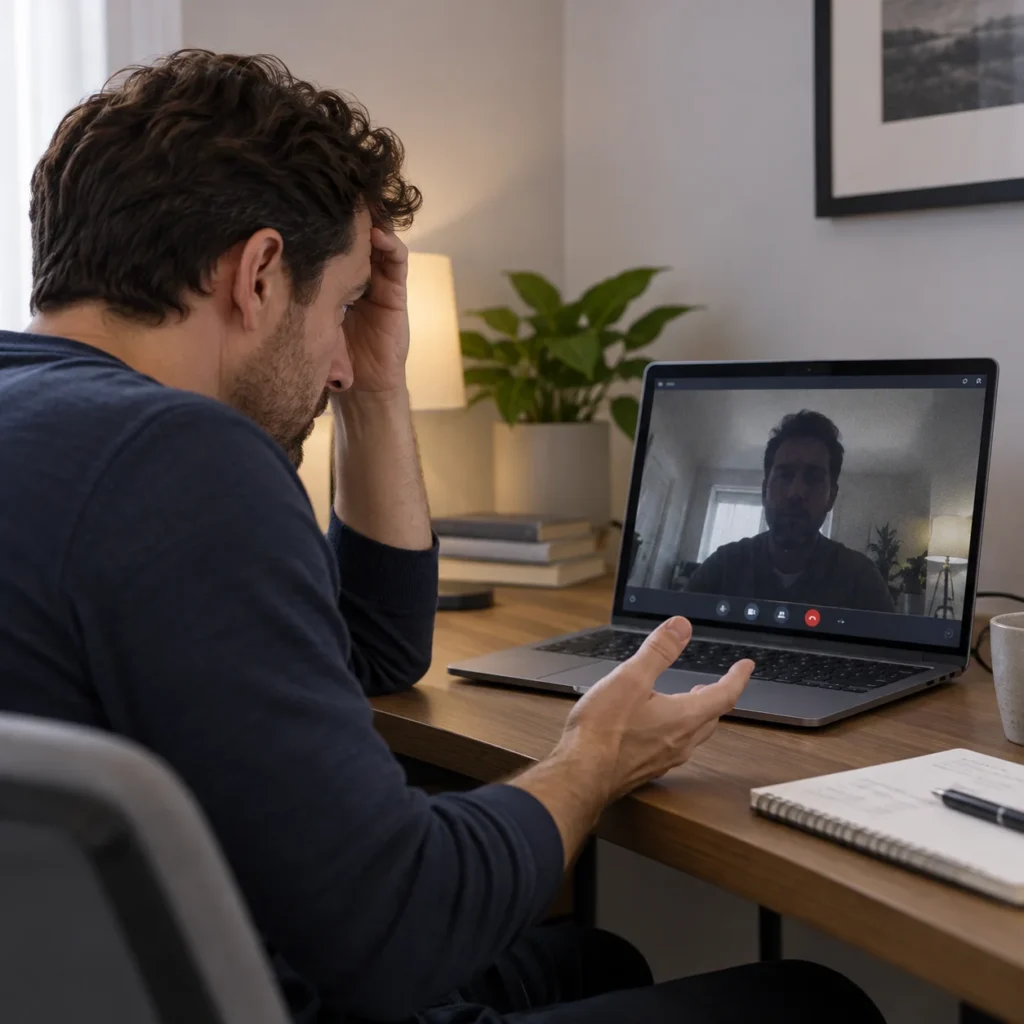
A video call can feel surprisingly different when the camera is working with you instead of against you. A built-in laptop camera may be perfectly usable for quick chats, but it can leave you with a low angle, softer detail, or exposure that changes every time the light in the room shifts.
The Logitech C920x HD Pro Webcam is a simple way to move the camera to a more deliberate position. It clips to a monitor or laptop, connects over USB-A, and gives you a dedicated Full HD camera for meetings, classes, interviews, and everyday calls. If your current setup looks dim or awkward even when the rest of your desk is working well, a dedicated webcam starts to make more sense.
Why the Logitech C920x HD Pro Webcam Makes Sense for Everyday Calls
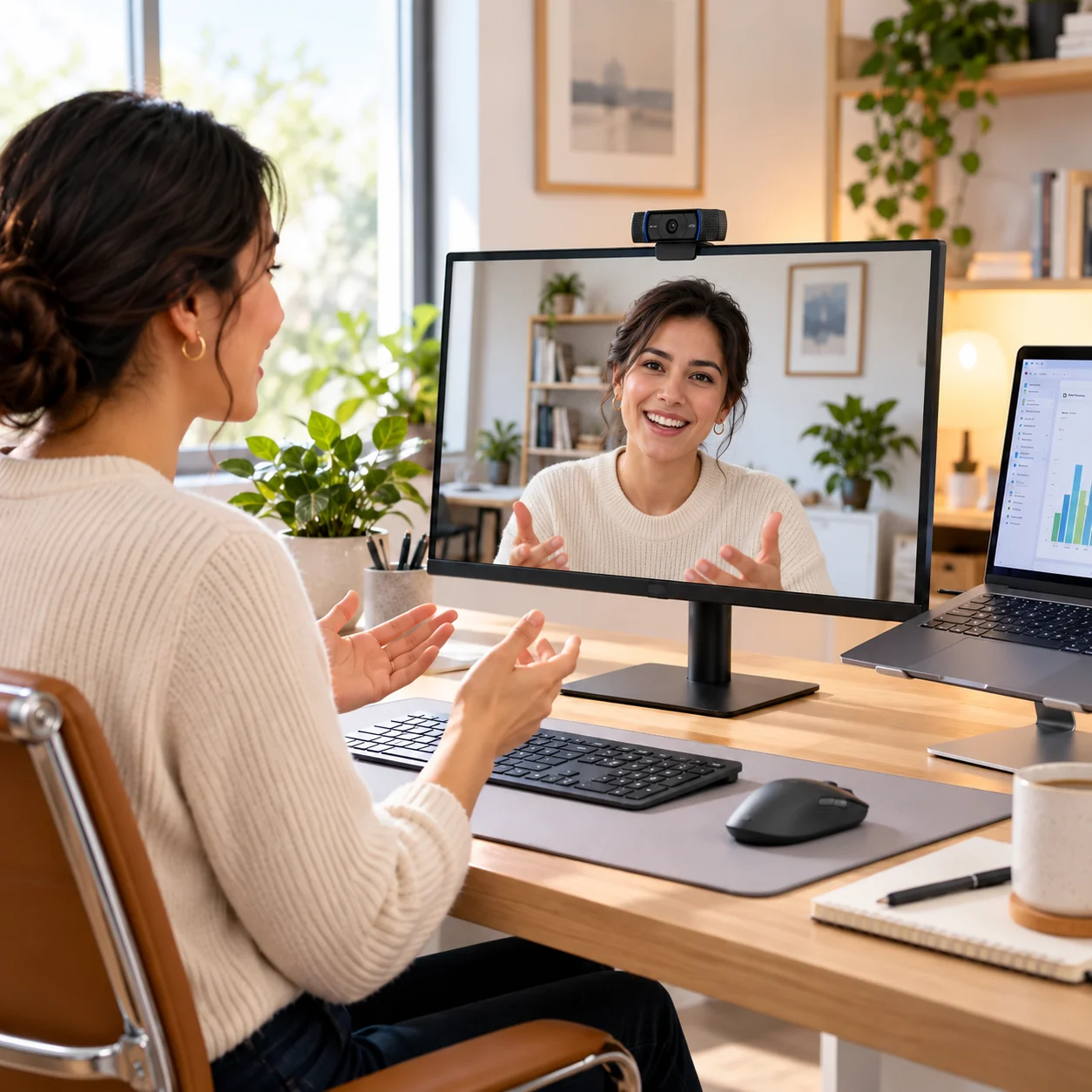
The biggest change is not a complicated software feature. It is camera position. Mounting the webcam above a monitor can put the lens closer to a natural eye-line than a laptop sitting low on the desk, especially when you already use an external display.
That makes the Logitech C920x HD Pro Webcam easy to understand as a desk upgrade: it gives video calls their own camera instead of making the built-in laptop camera handle everything. For a home office, study desk, or shared workstation, that can make the setup feel more intentional without changing the rest of your desk.
What the Logitech C920x HD Pro Webcam Actually Offers
Full HD 1080p video at 30 fps
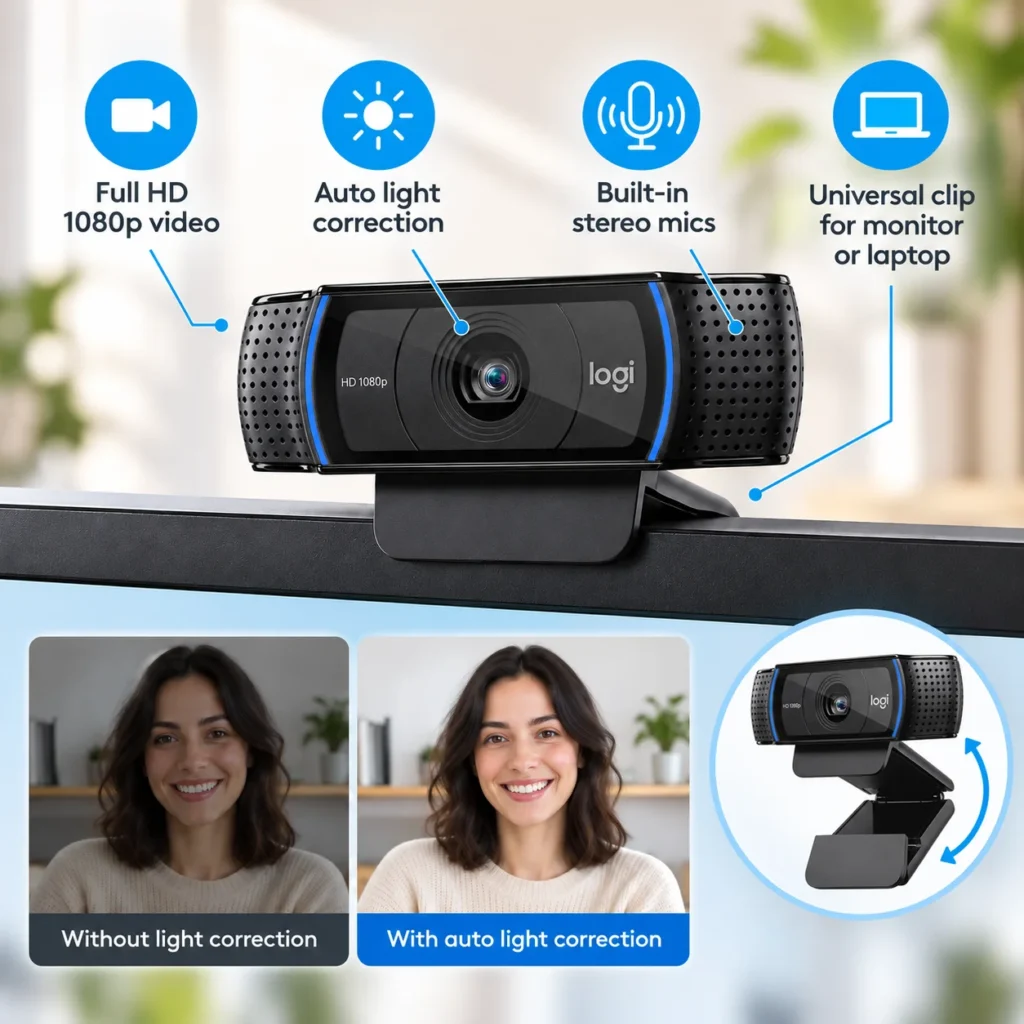
The C920x supports Full HD 1080p video at 30 frames per second. That is a practical resolution for mainstream video calls and recorded clips, giving the image more detail than older 720p webcams without pushing into the cost and bandwidth of a 4K model.
Autofocus and automatic HD light correction
Autofocus helps keep your face clear when you move within the frame, while automatic light correction adjusts exposure as the room changes. This is useful when daylight moves across the room or a call happens later in the evening. It is still better to put light in front of you when possible; automatic correction can help, but it cannot create ideal lighting from a very dark room.
Dual built-in stereo microphones
Two microphones sit on either side of the camera. For everyday meetings, that means you can join a call without adding a separate desk microphone. If audio quality is especially important for streaming, podcasting, or client recordings, a dedicated microphone may still be the stronger upgrade, but the built-in stereo microphones keep a basic call setup simple.
Universal clip, USB-A cable and tripod thread
The universal mounting clip is designed to sit on a monitor or laptop, and the webcam can also attach to a compatible tripod through its quarter-inch thread. Logitech documentation for this hardware lists an attached USB-A cable of about 1.5 meters, so check that your computer has the port you need or plan for a suitable adapter if your setup is USB-C only.
What to Check Before You Buy
There is no built-in privacy shutter on this C920x bundle
This is one detail that is easy to confuse with the closely related C920s. The C920x version tied to this ASIN is commonly listed without a built-in privacy shutter. If physically covering the lens matters to you, add a separate cover only if it can be used safely without pressing against the lens or clip.
Good lighting still matters
The automatic light correction is useful, but the best result still starts with reasonable lighting. A bright window directly behind you can turn your face into a silhouette, while a small lamp or daylight in front of you gives the camera more to work with.
The field of view is fixed
Logitech lists a fixed 78-degree diagonal field of view for the C920 hardware family. That is wide enough for a typical seated call, but it is not an auto-framing camera that follows you around the room. Think of it as a dependable fixed desk camera rather than a smart tracking system.
USB-A should match the computer you actually use
The attached cable ends in USB-A. Many desktop PCs and older laptops still have that port, but slimmer modern laptops may be USB-C only. Checking this before you buy avoids turning a simple webcam into an extra adapter problem on day one.
Who Is the Logitech C920x Best For?
The Logitech C920x HD Pro Webcam fits people who want a straightforward camera for Zoom, Teams, Google Meet, remote classes, interviews, or everyday calls without jumping to a more expensive 4K setup. It is especially sensible when you work at the same desk most days and want the camera mounted in a consistent position.
It is less compelling if you already have a recent laptop with a very good built-in camera, need automatic subject tracking, want a built-in privacy shutter, or plan to record high-end content where 4K resolution and a dedicated microphone matter more.
The Everyday Upgrade Take
The C920x is not trying to turn a home office into a studio. Its value is more practical than that: Full HD video, autofocus, automatic light correction, built-in microphones, and a familiar monitor-mounted design in one compact device.
For someone who spends real time on video calls, the most useful improvement may simply be consistency. The camera stays where you want it, the framing does not depend on the angle of your laptop, and the rest of the desk can stay arranged for work rather than for the camera.
If that sounds like the problem you are trying to solve, the Logitech C920x HD Pro Webcam is a sensible product to compare with your current built-in camera before moving to more expensive options.
Check the current Logitech C920x HD Pro Webcam details and availability on Amazon.
If you are refining the rest of your call setup too, the Logitech Signature M650 L Wireless Mouse is another quiet, desk-friendly upgrade worth considering for everyday work.
If you are building a more comfortable and practical workspace, explore more ideas in our Office Desk Setup collection.