Kasa KP303: A Power Strip That Lets Each Outlet Have Its Own Routine
This article contains affiliate links. As an Amazon Associate I earn from qualifying purchases.
There is a familiar little ritual at the end of a workday: turn off the desk lamp, find the switch for the fan, check whether the charger is still plugged in, and reach behind the desk to deal with the power strip. None of these steps is difficult. Together, they are one more bit of friction in a space that is supposed to help you get things done.

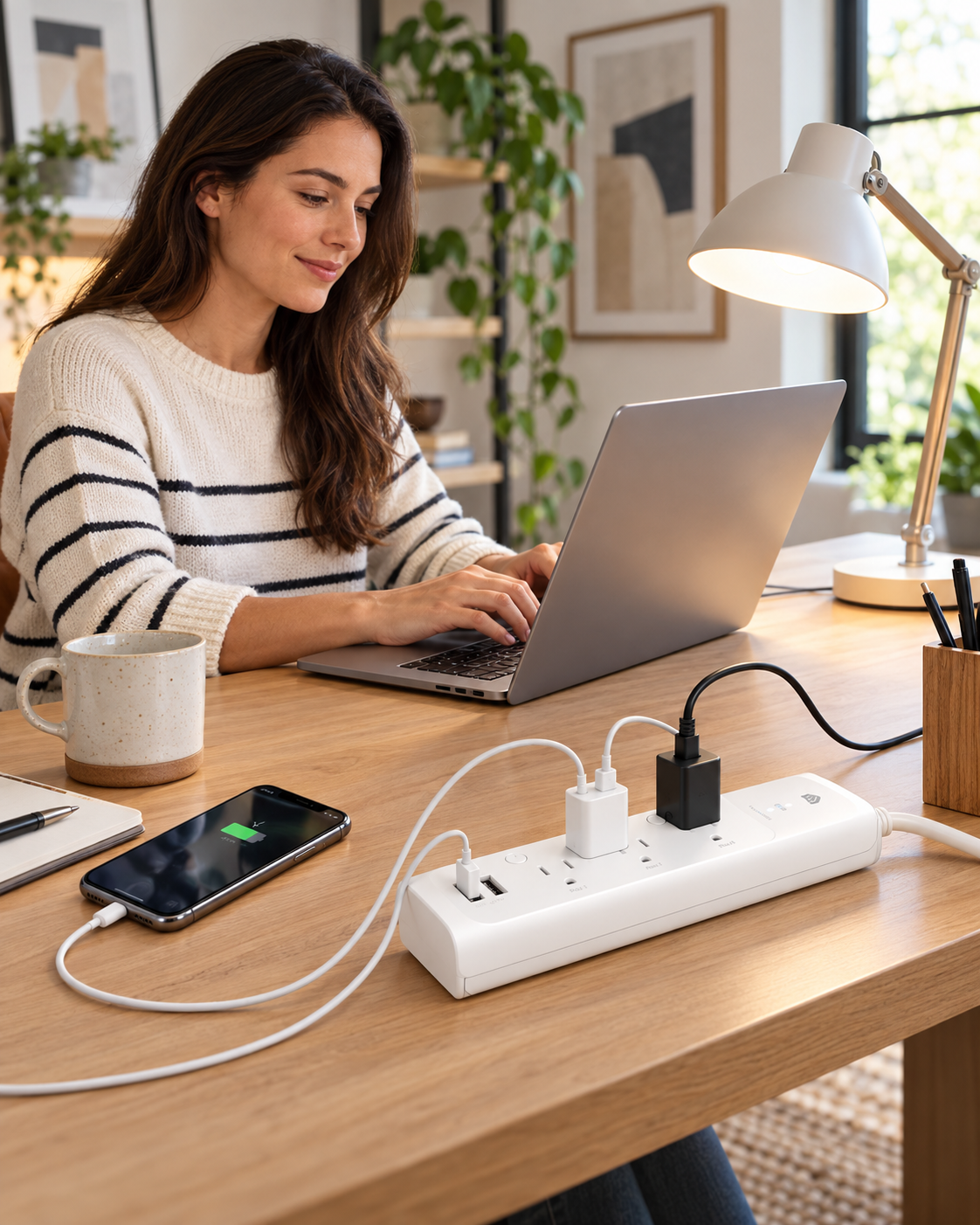
A regular power strip gives you more places to plug things in. The Kasa KP303 smart power strip adds a different kind of convenience: three AC outlets that you can control separately, plus two USB ports for everyday charging. Instead of treating every connected item as one group, you can decide which outlet belongs to which part of your routine.
How the Kasa KP303 Smart Power Strip Gives Each Outlet Its Own Routine
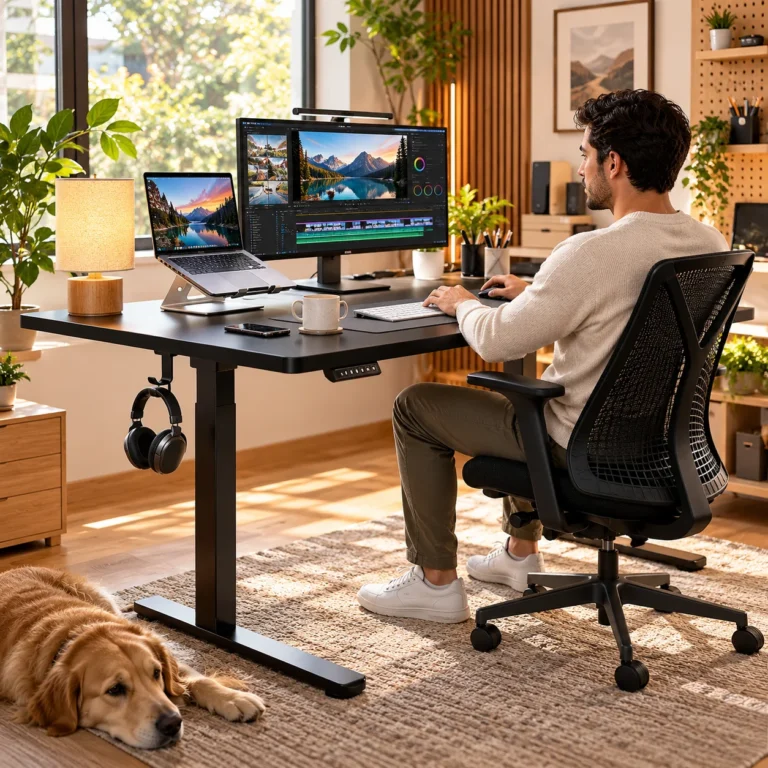
Think about a desk with a lamp, a small fan, and another compatible low-power accessory. Perhaps the lamp should turn on before you settle down to read, but the fan only needs to run when the room gets warm. Maybe you want both off when you are done for the evening. With the KP303, each of the three smart outlets has its own control in the Kasa Smart app. TP-Link also lists support for schedules and timers, so repetitive on/off tasks do not all have to depend on your memory.
That is the useful distinction. The KP303 is not simply an extension cord with a phone app attached. It makes sense when you have several devices close together but do not want them to follow exactly the same schedule.
The three physical outlet buttons are helpful, too. App control is convenient, but sometimes the easiest option is still reaching over and pressing a button.
The two USB ports have a different job
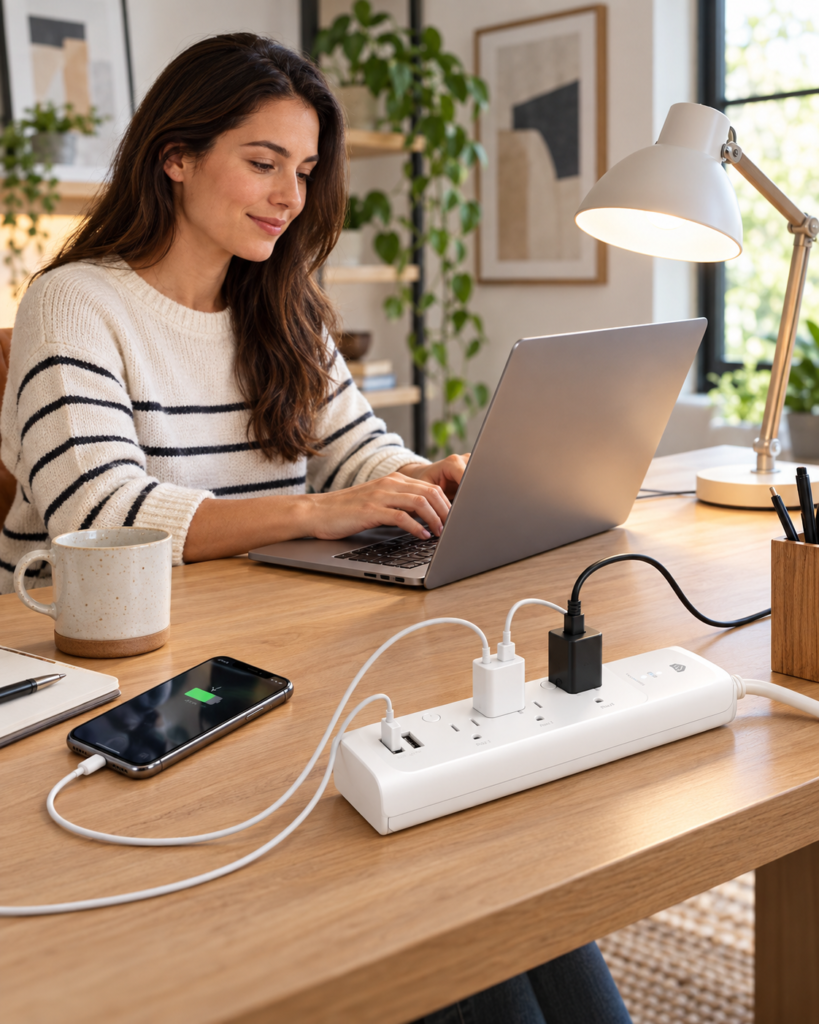
On one end of the strip are two USB-A charging ports. TP-Link describes them as always on. In other words, they provide convenient charging connections, but they are not two extra independently switchable smart outlets. That distinction matters if you are imagining a fully automated five-device setup.
For a bedside table or office desk, the arrangement can still be sensible: keep the AC outlets for things such as lighting and a fan, while the USB ports handle a phone or small accessory that charges over USB-A. The stated USB output is 5 V, 2.4 A total across the two ports. Check the charging requirements of newer devices rather than assuming this will replace a dedicated high-wattage USB-C fast charger.
A smoother routine, not a magically cable-free desk
A smart strip will not make the cables disappear. If your main problem is cords dangling off the edge of the desk, cable clips or an under-desk tray might make a more visible difference. The KP303 addresses a related problem: deciding which plugged-in device gets power and when.
Picture a simple evening setup. The desk lamp comes on for a reading session; the fan runs only when needed; the next morning, your preferred outlet schedule is waiting. It is a modest upgrade, but these are the little decisions that add up across a week.
The KP303 also has a right-angled plug that may fit better behind furniture than a straight plug in some layouts. As always, measure the actual space and consider which way the cable will run before ordering.
What to check before buying
You need the right Wi-Fi connection
The US KP303 connects to a secured 2.4 GHz Wi-Fi network. TP-Link says no separate smart-home hub is required. You will still need to set up the Kasa app and the strip on a compatible home network. If you use a guest or isolated network for smart devices, check that the app and device can complete setup under your network configuration.
Voice control is optional, not the whole point
TP-Link lists Amazon Alexa and Google Assistant compatibility. Voice commands can be useful when your hands are full, but the more everyday value may come from separate outlet control and routines that run without another command from you.
Treat the electrical rating seriously
This is the US Type B version, intended for indoor use on US-standard power. TP-Link specifies 125 V, 15 A and a maximum combined AC load of 1,875 W. Built-in surge protection is a useful feature, not a guarantee against every electrical event. Follow the product instructions, never exceed the total rated load, and do not connect one power strip into another. It is not an outdoor or universal international power solution.

Who this makes sense for—and who might skip it
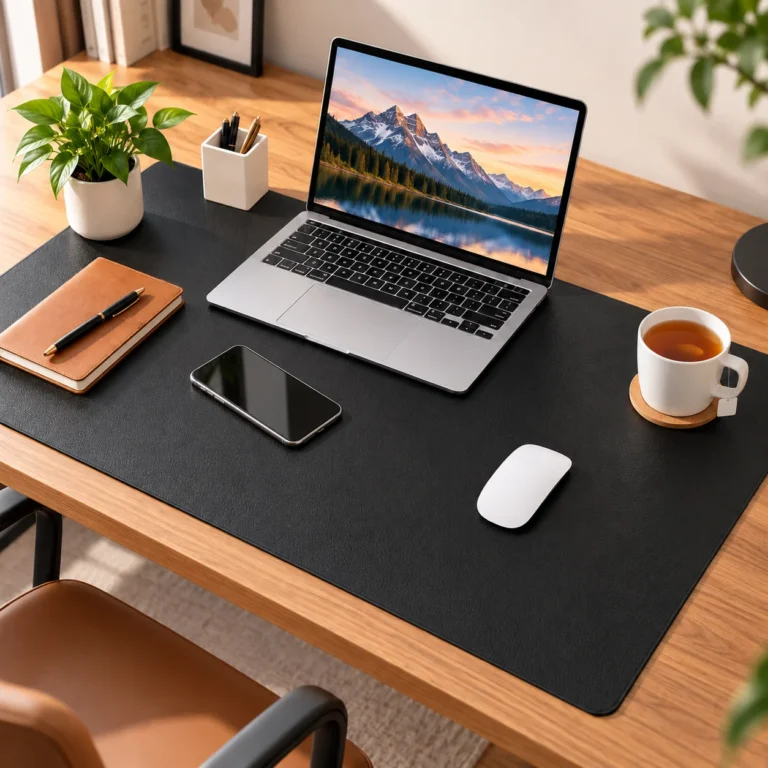
The KP303 fits someone with a few compatible AC-powered devices in one spot who wants more control without adding three separate smart plugs. A desk, media corner, or compact home office is easy to picture. It can also suit a person who likes schedules but still wants physical buttons available on the strip itself.
A basic surge-protected strip may be enough if you only need extra sockets. If your priority is high-speed USB-C charging, energy-use reports, or hiding every wire, shop for those features explicitly; the KP303 should not be treated as a stand-in for them.
The Everyday Upgrade take
The appeal here is not making an ordinary power strip look futuristic. It is giving three outlets different roles in the same daily routine, with two straightforward USB-A connections alongside them. That can make a busy desk easier to manage without asking you to rebuild the room around a gadget.
If those separate controls solve a real annoyance in your setup, the Kasa KP303 is worth a closer look. Check the exact US model, current availability and latest product details on Amazon before deciding whether it fits your space.
This article contains affiliate links. As an Amazon Associate I earn from qualifying purchases.
(Paid link) Check current price and availability on Amazon.
Explore more practical office desk setup ideas for a cleaner, easier-to-manage workspace.