HUANUO HNDS6 Dual Monitor Mount: More Control Over Your Screens Without Giving Up the Desk
This article contains affiliate links. As an Amazon Associate I earn from qualifying purchases.
Two monitors can make work feel easier right up until the desk starts feeling smaller. The screens take over the back half of the surface, their stands compete with notebooks and speakers, and the “productive” setup slowly turns into a collection of things you keep moving out of the way.
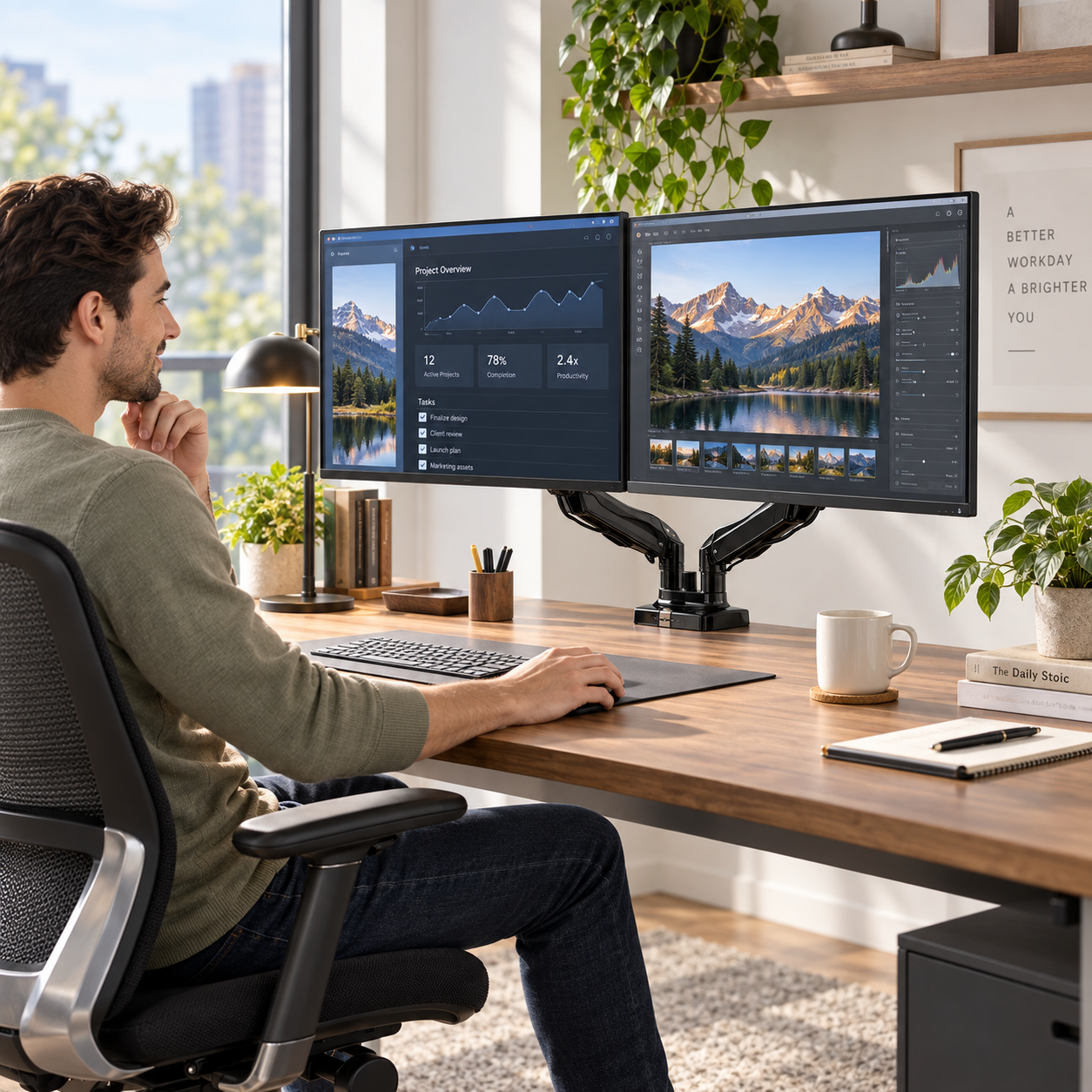
The HUANUO HNDS6 Dual Monitor Mount approaches that problem from underneath the screens. Instead of letting two factory stands occupy separate patches of desk, it lifts both monitors onto adjustable arms attached at the desk edge. The result is not just a different way to hold a display. It changes how much of the desk is actually usable.
That is what makes this kind of upgrade more interesting than it first looks: the hardware is behind the monitors, but the benefit shows up everywhere in front of them.
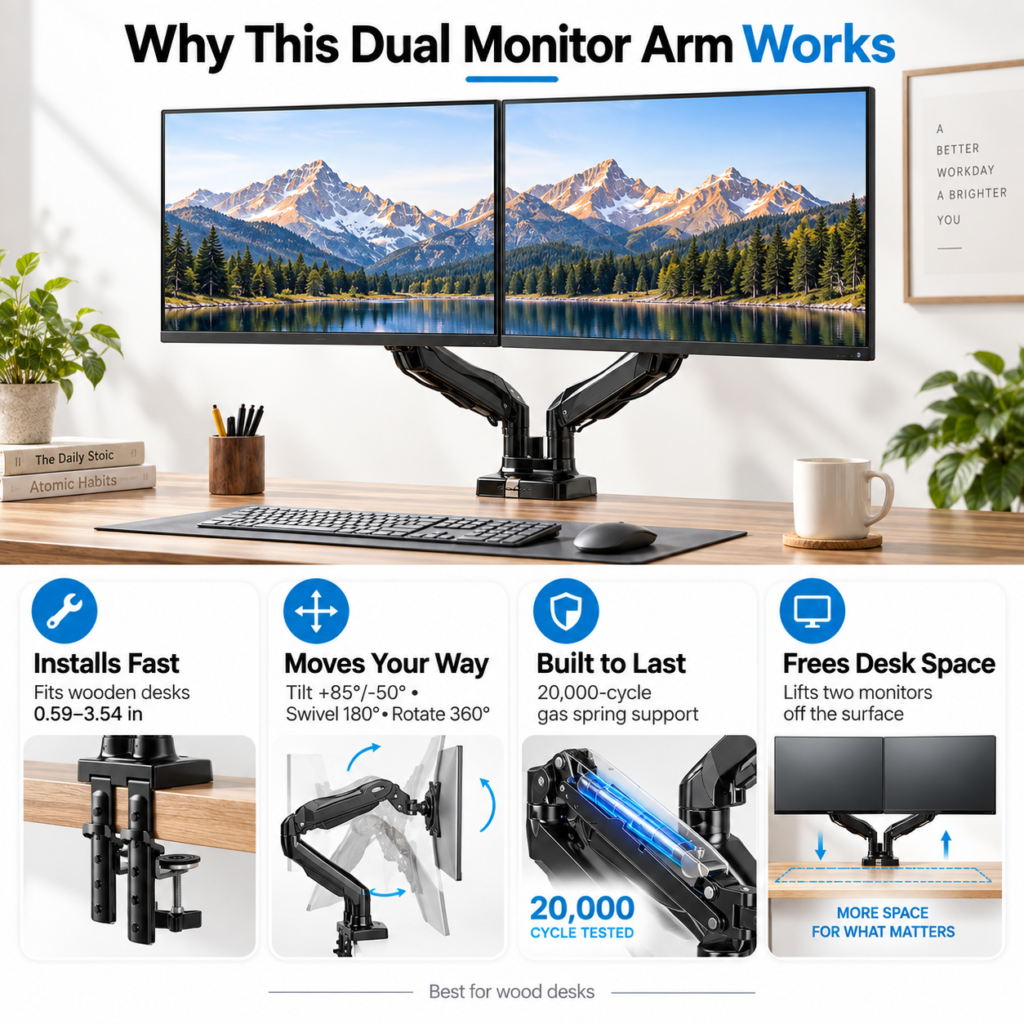
How the HUANUO HNDS6 Dual Monitor Mount Frees Up Desk Space
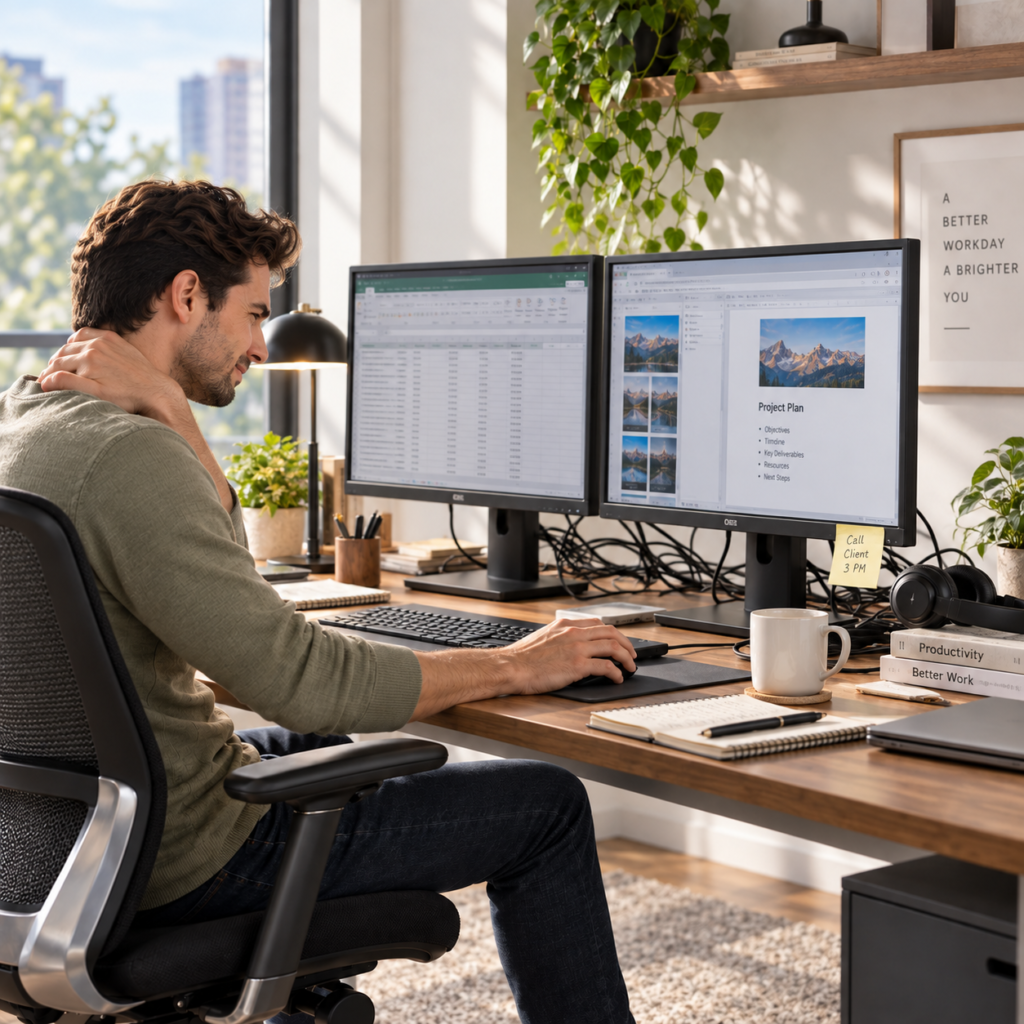
The most immediate difference is physical space. Once the monitor bases are gone, the area beneath the screens becomes available again. A keyboard can slide farther back, a notebook has somewhere to sit, and small desk accessories no longer have to work around two wide stands.
For a home office, that can matter more than adding another organizer. Sometimes the desk is not short on storage; it is short on unobstructed surface area. Raising the screens solves that problem without asking the desk itself to become larger.
The adjustment range matters because work does not stay in one position
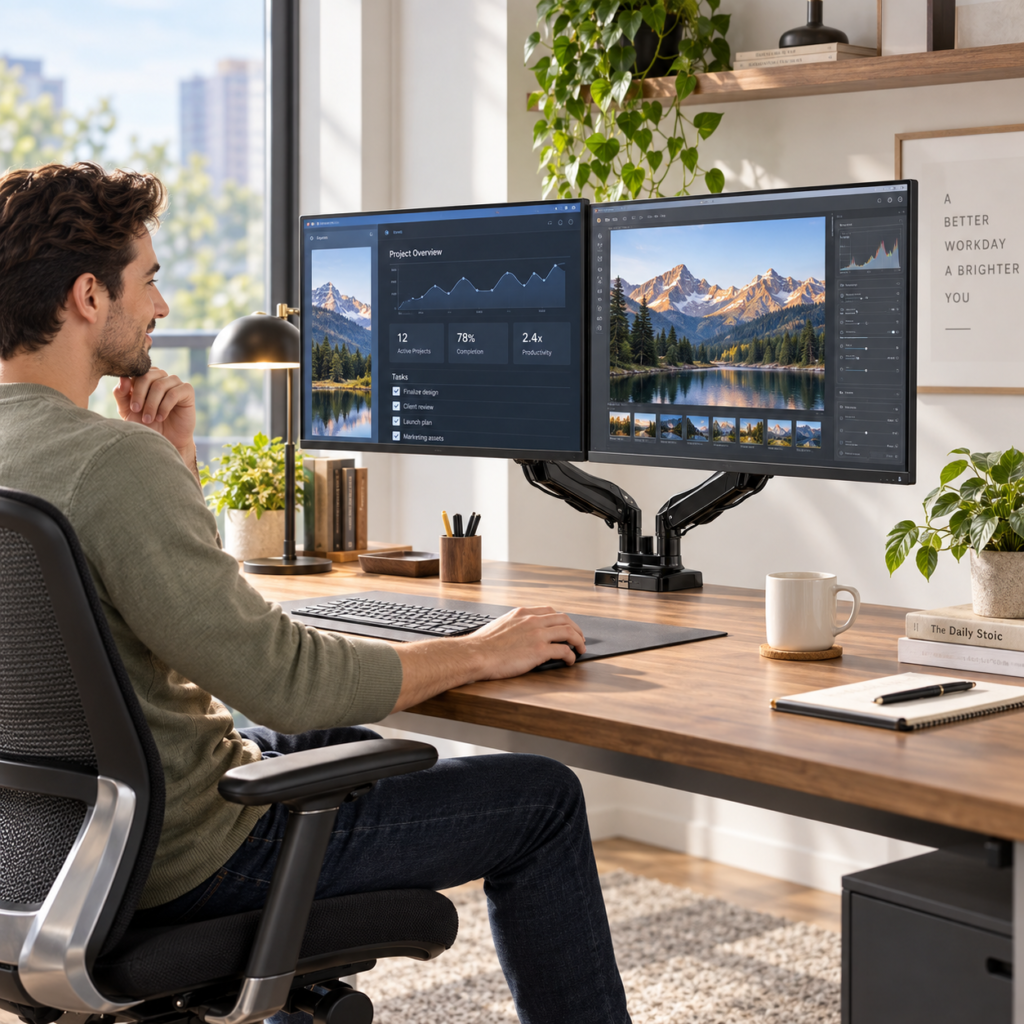
HUANUO lists the HNDS6 with +85°/-50° tilt, 180° swivel and 360° rotation. In everyday terms, that means the screens can be brought closer, moved apart, angled toward one seat, or rotated into portrait orientation when the task calls for it.
That flexibility is useful if your day changes between spreadsheets, writing, editing, coding, video calls or reference-heavy work. A monitor that feels right for a focused document session may not be in the same place you want it when comparing two windows side by side.
The official specification also lists a maximum arm height of 15.75 inches. The point is not to chase the highest possible position; it is to give yourself enough range to bring the screens closer to a comfortable viewing level instead of adapting your posture to fixed stands.
Gas-spring arms make repositioning part of the routine, not a project
The HNDS6 uses gas-spring arms, which are designed to support the monitors while allowing them to move through the arm range. HUANUO says the springs are tested through 20,000 cycles. That matters because an adjustable mount is only useful if you are willing to adjust it.
If changing screen position feels like loosening hardware every time, most people will set it once and stop touching it. A supported arm makes small changes more practical, which is where the feature becomes an everyday convenience rather than a one-time installation detail.
Compatibility is the part to check before the aesthetics
This is not a universal fit for every monitor. HUANUO lists support for 13- to 32-inch screens weighing 4.4 to 19.8 pounds per arm, with VESA 75 x 75 mm or 100 x 100 mm mounting patterns. Those numbers are more important than whether the setup looks good in a product photo.
Before buying, check the size, weight and VESA pattern of both monitors. Also look at the desk edge itself. The mount supports both C-clamp and grommet installation, but the desk still needs a suitable mounting point and enough clearance for the hardware.
C-clamp or grommet gives the setup two ways to belong on the desk
A C-clamp is the straightforward choice when the rear or side edge of the desk is accessible. A grommet mount can work when the desk has a suitable cable or mounting hole. Having both approaches gives the same arm system a better chance of fitting different desk layouts without improvising a less secure solution.
It is worth deciding this before the box arrives. Measure the desk, check what is underneath the mounting area, and make sure drawers, support rails or a wall will not interfere with the clamp or the movement of the arms.
Who will notice the upgrade most
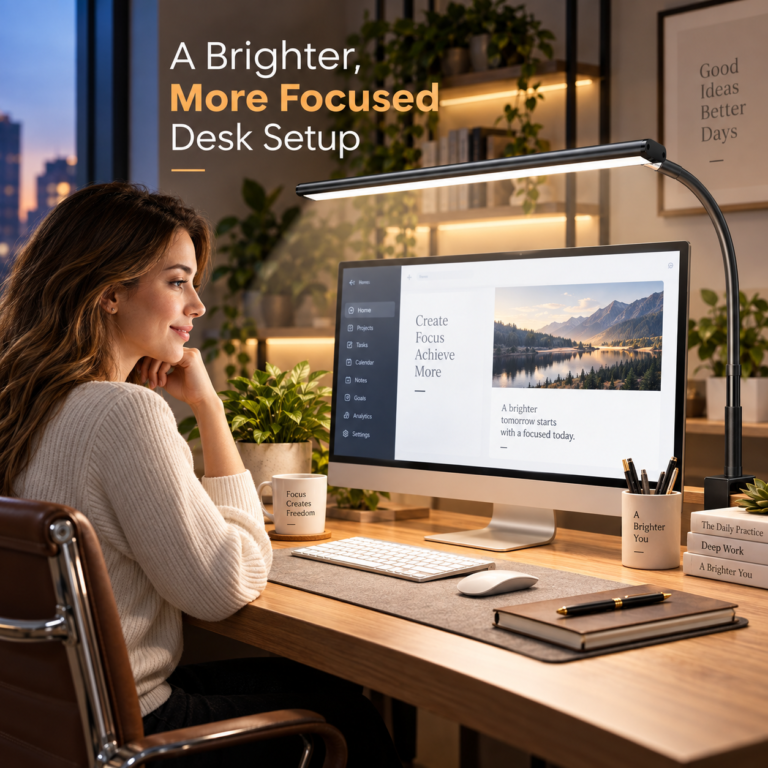
The HNDS6 makes the strongest case for itself when two monitors are already central to the way you work. If you spend the day moving between applications, comparing documents, editing, coding, or keeping communication open on a second screen, the ability to reposition both displays can make the setup feel less fixed and more intentional.
It is less compelling for someone who rarely moves a single light monitor or has a desk that cannot accept a clamp or grommet. A monitor arm should solve a real workspace limitation, not become another piece of hardware added just because a dual-screen setup looks impressive.
The Everyday Upgrade take
The smartest part of the HUANUO HNDS6 is not the arm itself. It is what disappears when the arm does its job: bulky monitor feet, wasted surface area, and the feeling that two screens have permanently dictated how the desk must be arranged.
If your monitors fit the listed limits and your desk has a suitable mounting point, this is the kind of upgrade that can make the whole workspace feel more flexible without adding anything else to the surface. That is a meaningful improvement for a piece of hardware that mostly stays behind the screens.
This article contains affiliate links. As an Amazon Associate I earn from qualifying purchases.
(Paid link) Check current price and availability on Amazon
Explore more practical ideas for your office desk setup.