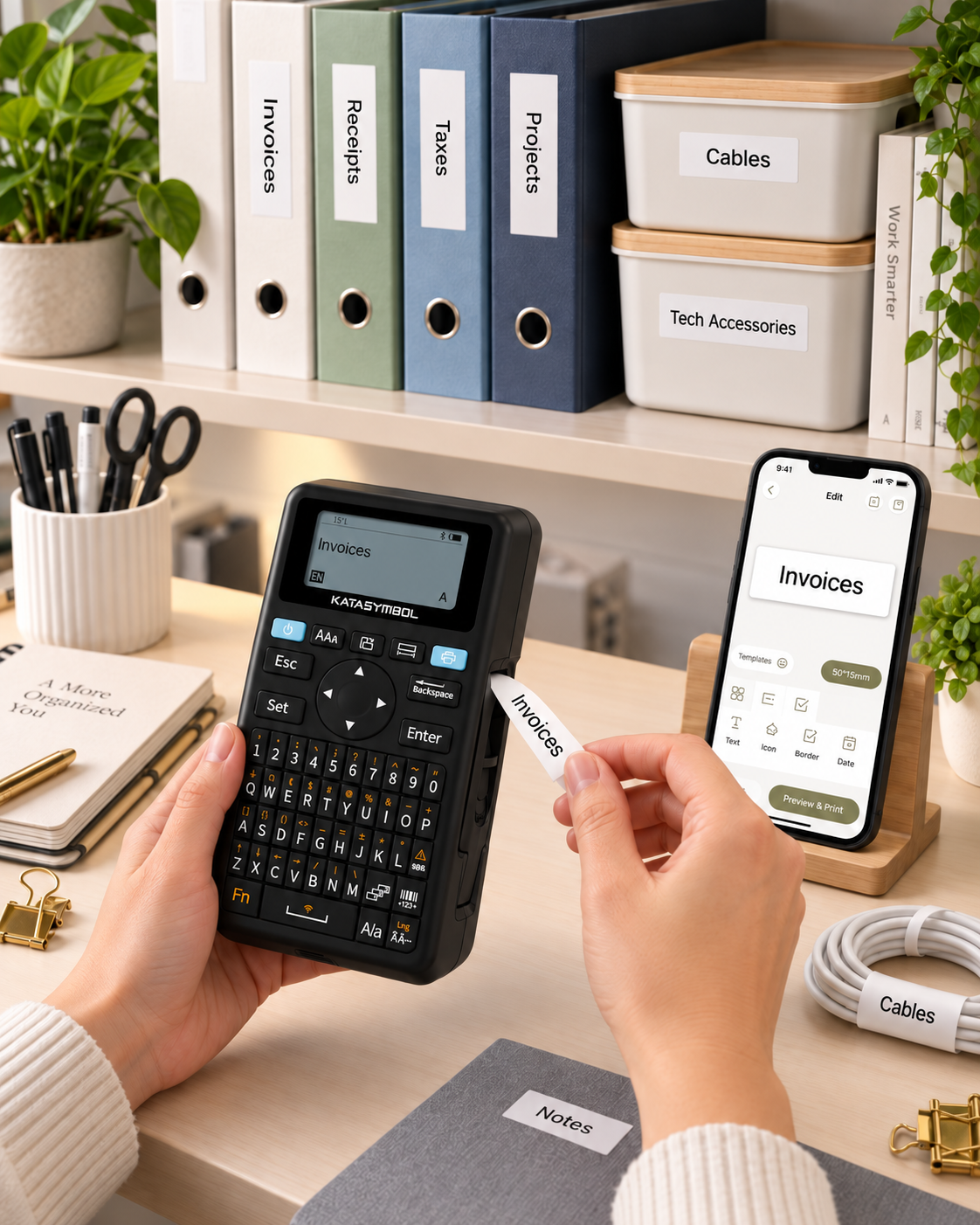
SUPVAN E11 Label Maker: A Simple Way to Keep Everyday Clutter Under Control
This article contains affiliate links. As an Amazon Associate I earn from qualifying purchases.
Organization usually falls apart in small ways. A storage bin has no label, a charging cable gets mixed up with three others, pantry containers start looking identical, and a folder disappears into a stack because nobody knows what is inside it.
A label maker will not organize the house for you, but it can remove one of the little frictions that makes staying organized harder.
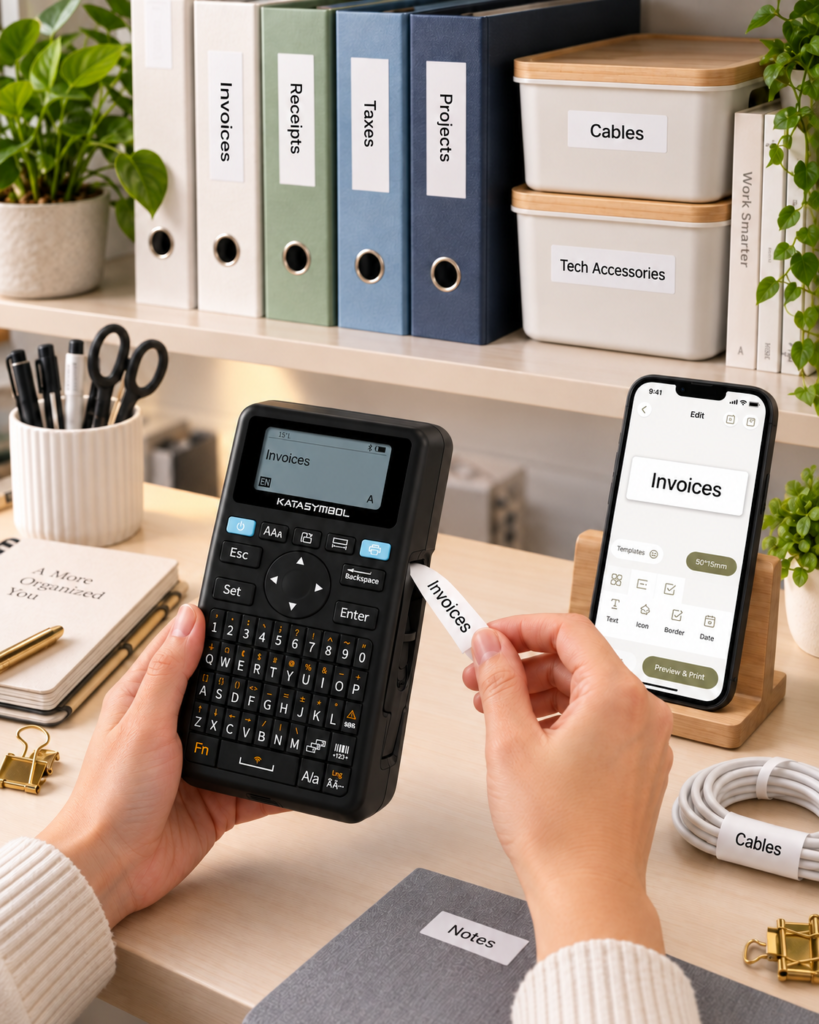
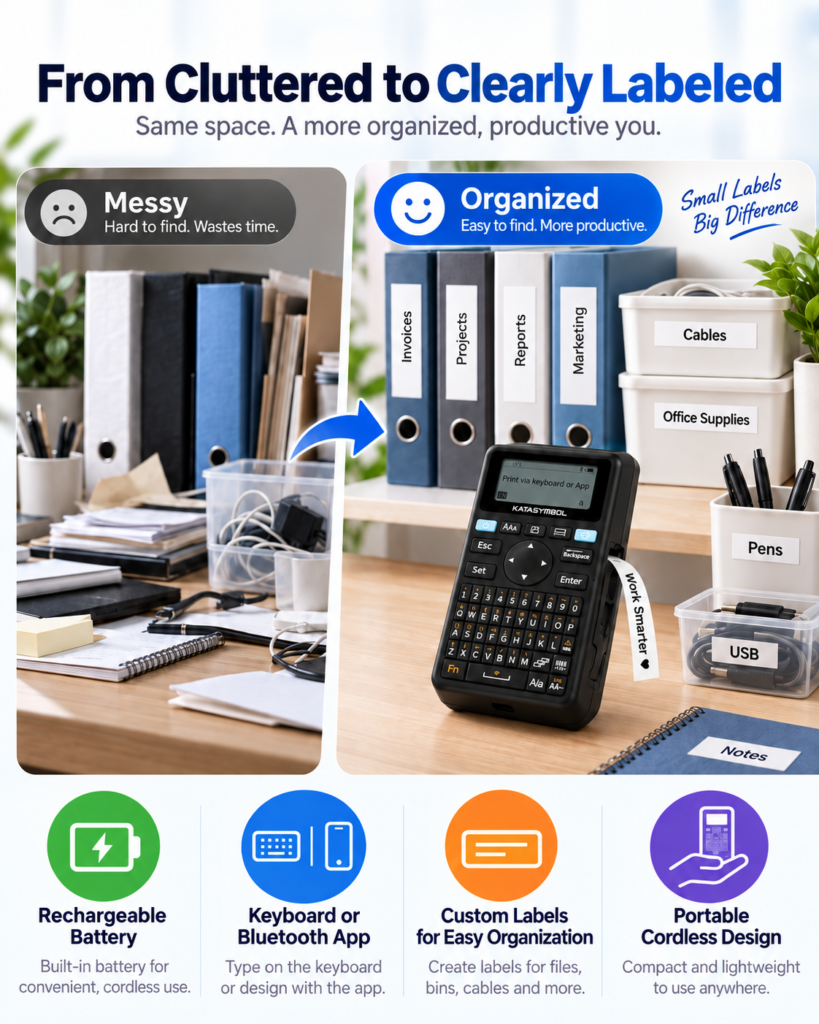
The SUPVAN E11 is interesting because it does not force you to choose between an old-school keyboard label maker and an app-only printer. It gives you both. For quick jobs, you can type directly on the built-in keyboard. When you want more formatting, icons, frames, or saved designs, you can connect the machine to the SUPVAN app over Bluetooth.
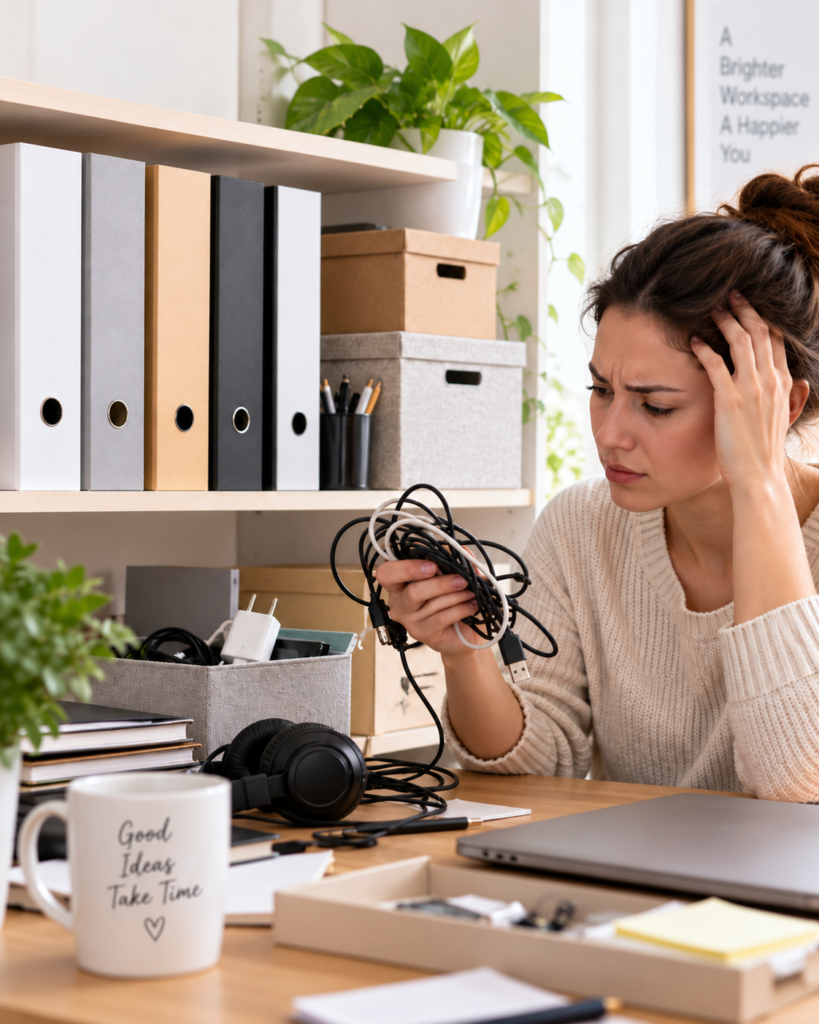
The two-way workflow is the real selling point
A lot of label makers are convenient in one situation and annoying in another. A physical keyboard is fast when you only need to print ‘Coffee’, ‘Cables’, or ‘Receipts’. An app is better when you want a specific font, icon, border, or more detailed layout.
The E11 tries to keep both options available. SUPVAN’s official product page says the app includes more than 30 fonts, 50 frames, and 660 icons, while the keyboard handles quick printing without making you pick up your phone every time.
That sounds like a small distinction, but it changes how likely the machine is to stay useful after the initial organizing project is over.
Think beyond pantry labels
Pantry jars are the obvious use case because they photograph well, but the same machine can be useful in places where labels save more time than they add.
- Storage bins in closets, utility rooms, or garages.
- Charging cables, adapters, and small electronics.
- Office folders, document boxes, and drawer organizers.
- School supplies, craft containers, and project materials.
- Shelves, small parts bins, and household maintenance items.
The E11 supports continuous labels and fixed-size/die-cut labels, which gives you more flexibility than being locked into one label shape.
A rechargeable label maker makes more sense for occasional use
Label makers often live in a drawer between projects. That makes disposable batteries easy to forget until the next time you need the device.
The E11 uses a built-in rechargeable battery instead. SUPVAN lists the battery at 1,200 mAh and rates it for up to a month of use per charge, depending on how often you print. The machine is also compact enough to move around the house rather than being treated like a desktop printer.
For a tool that may get used heavily for one afternoon and then sit for a while, rechargeability is a practical advantage.
The app matters most when labels need to look intentional
If you are labeling clear pantry containers on an open shelf, the visual side matters more than it does on a box in the garage. That is where app-based editing becomes useful.
SUPVAN says the app can work with fonts, frames, icons, multiple languages, and saved templates. The goal is not to turn label making into graphic design. It is to let you create a consistent look once, save it, and reuse it without rebuilding the label each time.
For simple text, the keyboard is faster. For a coordinated pantry, office system, gift labeling, or icons for children, the app gives you more room to customize.
One detail worth checking: label compatibility
The E11 is sold in bundles that can include several tape rolls, and SUPVAN says the machine supports both continuous and fixed-size label formats. Still, replacement tape is part of the long-term cost of any label maker.
Before buying extra rolls, check the E11 tape compatibility on the current product page and make sure the width, material, and label type match the job you have in mind. A label for a dry office file does not have the same demands as one used on a kitchen container or a utility bin.
The current four-tape bundle tied to ASIN B0DKS89T75 gives you more material to start with, which is useful if you plan to tackle several areas instead of testing the machine on a single drawer.
Who will get the most value from it
The E11 makes the most sense for someone who already has a reason to label things. If your storage system is simple and you rarely reorganize, a label maker can easily become another gadget in a drawer.
But if you are building a pantry system, managing lots of small bins, organizing cables, setting up a home office, or trying to make shared storage easier for everyone to understand, having a fast way to create readable labels can save repeated guesswork.
The combination of keyboard and app control is what keeps this model from feeling too specialized.
The Everyday Upgrade take
The SUPVAN E11 is less about printing labels and more about making a storage system easier to maintain. The built-in keyboard keeps quick jobs quick, while Bluetooth app editing gives you room to make labels more consistent when appearance matters.
It is a small tool, but it can support a lot of different organizing projects — which is exactly the kind of everyday upgrade that earns its space when you actually use it.
This article contains affiliate links. As an Amazon Associate I earn from qualifying purchases.
(Paid link) Check current price and availability on Amazon