Tapo P115 Smart Plug: Energy Monitoring for Everyday Devices
This article contains affiliate links. As an Amazon Associate I earn from qualifying purchases.
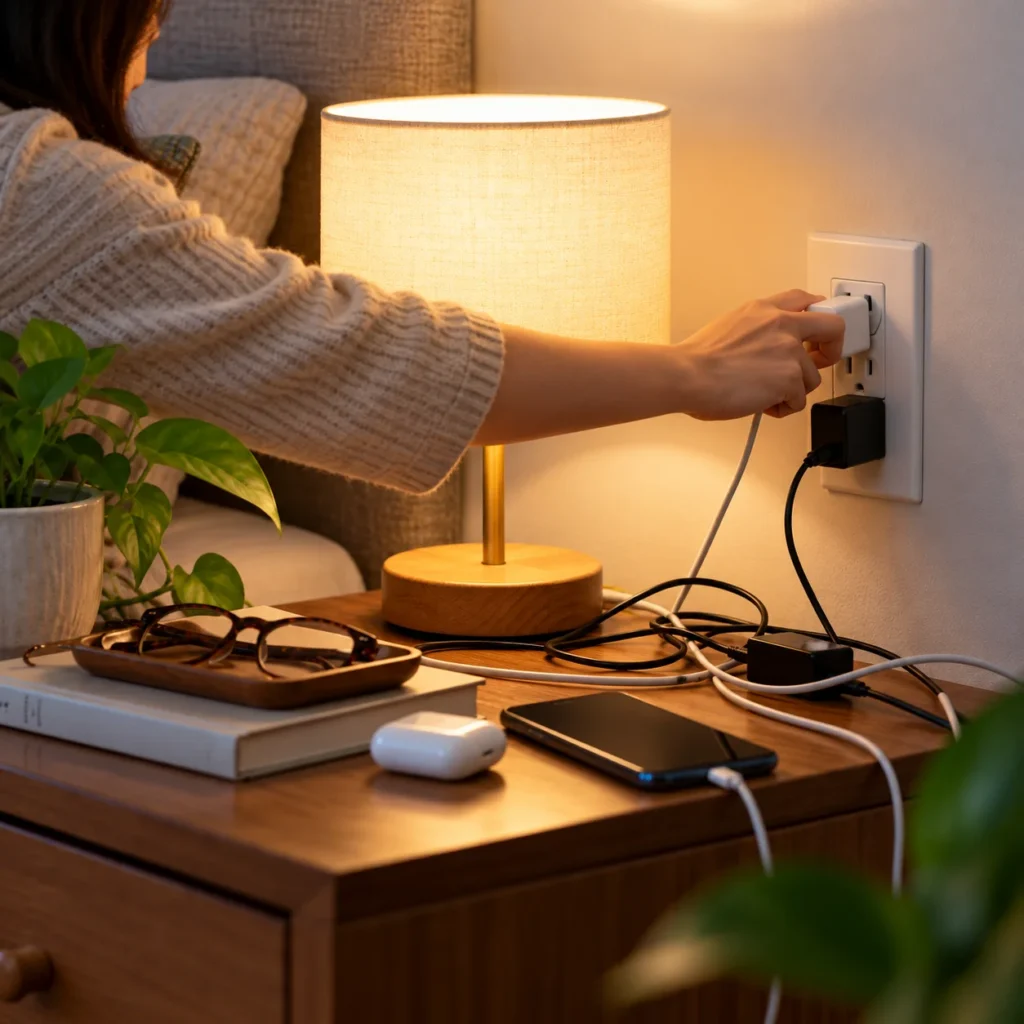
A bedside lamp, a charger, a fan, or a small appliance can be perfectly simple until you start thinking about when it is running. The outlet does its job, but it gives you no clue how much energy the device is using, and you still have to remember when to switch it off.
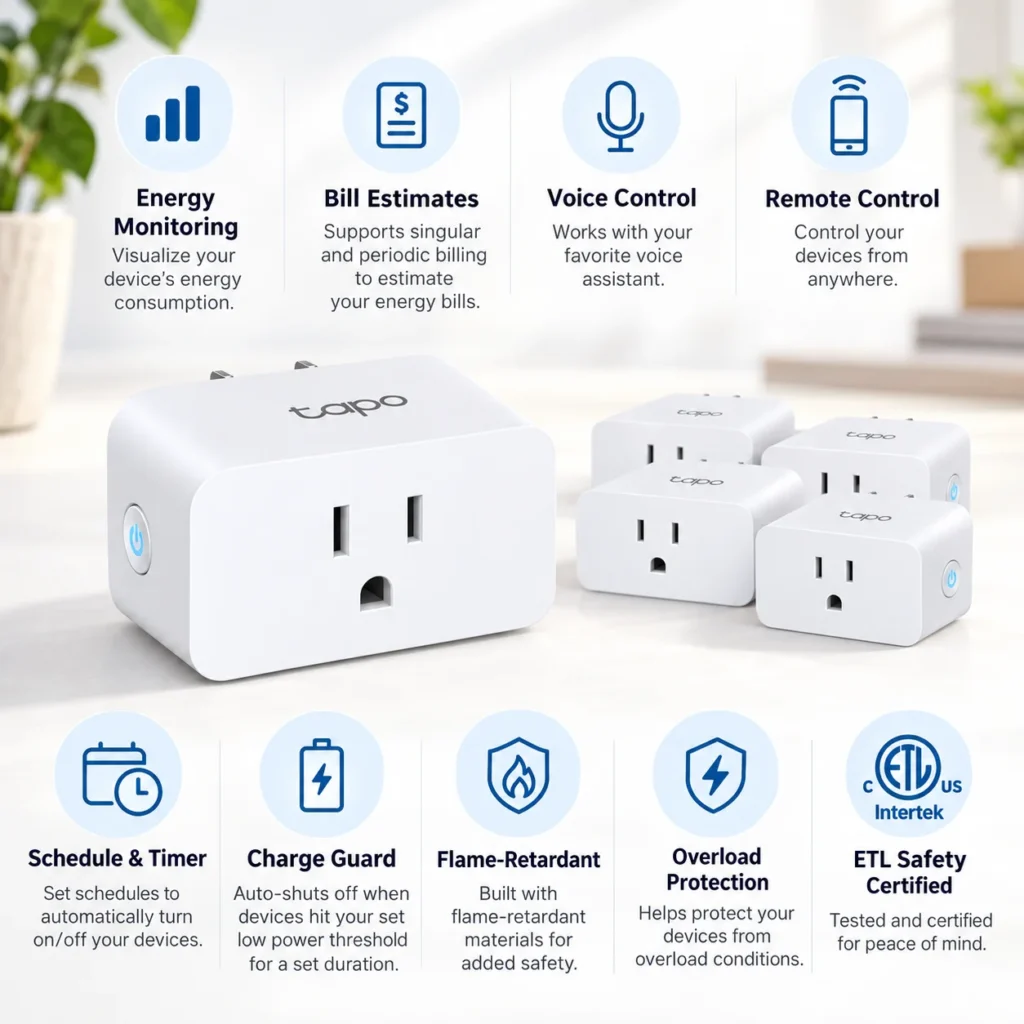
That is the practical appeal of the Tapo P115 smart plug. It is still just an outlet adapter at heart, but it adds a layer of visibility and control around the devices you already own. You can turn them on or off from the Tapo app, build schedules, set timers, use voice control, and check energy use without replacing the device itself.
Why the Tapo P115 Smart Plug Is More Than an On/Off Switch
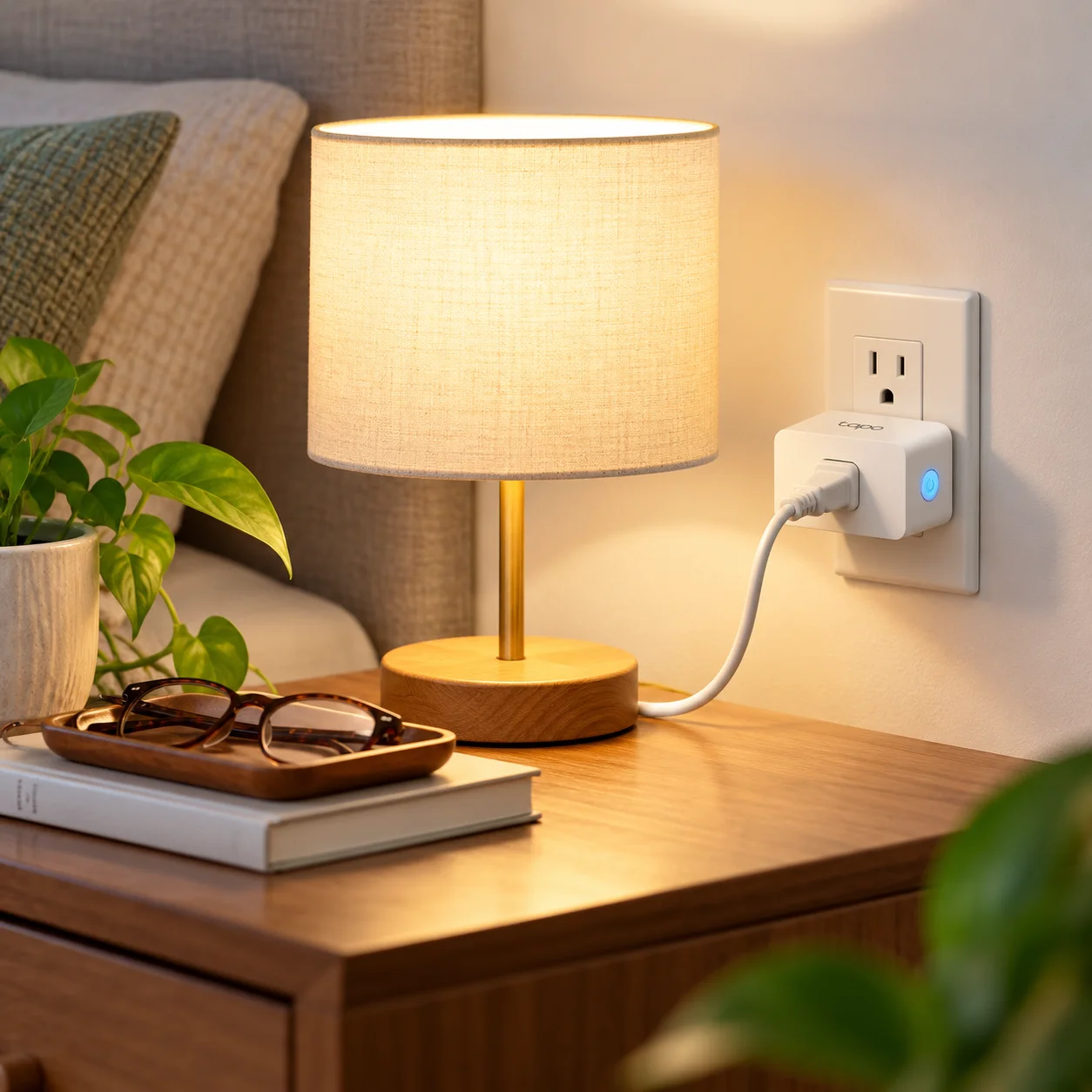
The simplest smart-plug use is remote power control: plug in a lamp, connect the P115 to your Wi-Fi, and you can manage that lamp from your phone. That alone can be useful when the outlet sits behind furniture or when you want a device to follow a routine without turning the outlet into a project.
The P115 goes further because TP-Link also builds energy monitoring into this model. Instead of treating power use as something invisible, the app can show consumption data and lets you enter electricity rates for bill estimates. The point is not to promise a certain amount of savings. It is to give you better information about what a connected device is doing over time.
What Energy Monitoring Adds to Everyday Use
See where the power is going
A device that looks harmless can run for hours simply because no one notices it. Energy monitoring can make that pattern easier to spot. The P115 tracks the connected device’s usage and presents the information in the Tapo app, so you can compare routines rather than guessing.
For some households, that may be useful for a lamp, dehumidifier, coffee station, entertainment accessory, or charger. The best use case is not necessarily the device with the biggest number. It is the device where seeing the pattern helps you decide whether the current routine still makes sense.
Use schedules and timers around routines
Schedules can handle predictable habits: turn a lamp on in the evening, switch something off after bedtime, or run a compatible device during a specific window. Timers work better for one-off sessions when you want power to stop after a set period.
That sounds simple, and it should. The useful part is removing one small thing from your mental checklist. You set the routine once, then adjust it later if your day changes.
Add guardrails for certain devices
TP-Link also lists Smart Charge Guard and power-protection features for the current US P115. Charge Guard can stop output after a connected device falls below a power threshold for a set period, while power protection can shut the plug off when usage exceeds a configured threshold. These tools add options for power management, but they are not a substitute for following the connected device manufacturer’s charging and safety guidance.
Remote and Voice Control Without a Hub
The P115 does not require a separate smart-home hub for its basic setup. It connects over 2.4 GHz Wi-Fi, with Bluetooth used during onboarding on the current US version. After setup, the Tapo app handles remote control and scheduling.
Voice control is available through Amazon Alexa and Google Assistant, and TP-Link also lists Samsung SmartThings support on the US P115 page. That makes the plug useful when your hands are full or when the outlet is simply inconvenient to reach.
There is also a local-control benefit: TP-Link says connected devices can remain accessible through the Tapo app on the local network even if the household internet connection goes down. Schedules are designed to keep running as well, which is more useful than a smart device that becomes entirely helpless when the internet has a bad day.
The Compact Design Matters on a Real Outlet
Smart plugs live in crowded places. A bulky body that blocks the second receptacle can turn a convenient idea into a trade-off. The P115 is designed to stay compact enough to leave the neighboring outlet usable in a typical US duplex receptacle.
That is especially relevant when you buy the 4-pack. You are probably not using all four plugs in one location. They are more likely to end up around the home—one by a lamp, one near a charger, another at a work area, and one wherever a schedule or energy reading would be genuinely useful.

What to Check Before You Buy
2.4 GHz Wi-Fi and setup
The US P115 uses 2.4 GHz Wi-Fi. Most dual-band home routers can handle that, but it is worth knowing before setup so you are not troubleshooting the wrong network. The current US page also notes Bluetooth onboarding to simplify the initial connection process.
Load limits and appliance compatibility
TP-Link lists the US P115 at 100–125 V, 50/60 Hz, with a maximum 15 A / 1800 W general or resistive load and a 1/6 HP motor rating. Those numbers are not permission to plug in anything that happens to fit. Check the actual appliance label, startup load, manufacturer instructions, and TP-Link guidance before using a smart plug with higher-demand equipment.
Smart home platform expectations
If your home is already built around Alexa, Google Assistant, or SmartThings, the P115 fits naturally into those ecosystems. If you specifically need Matter or Apple Home integration, confirm the current model before buying rather than assuming every Tapo smart plug supports the same platforms. The P115 reviewed here is the energy-monitoring 4-pack tied to ASIN B0D7FZ97T5.
Who This 4-Pack Makes Sense For
The Tapo P115 4-pack makes the most sense when you can already name several devices that would benefit from one of three things: a schedule, remote control, or visibility into energy use. Buying four plugs simply because four sounds like better value is less useful than knowing where each one will go.
It is also a good fit for someone who wants smart-home control without replacing lamps, fans, or other compatible devices. The plug sits between the outlet and the device, which makes it a relatively small upgrade with a clear job.
The Everyday Upgrade Take
The Tapo P115 is not interesting because it makes an ordinary outlet look futuristic. It is interesting because it adds information and routine control to devices you already use. Energy monitoring helps you see patterns, schedules and timers reduce repetitive switching, and app or voice control makes awkward outlets easier to manage.
The most useful setup is the one you barely notice after a few days. A lamp turns on when you expect it to. A device stops running longer than necessary. You can check consumption without guessing. Those are small conveniences, but together they can make everyday home control feel more deliberate.
This article contains affiliate links. As an Amazon Associate I earn from qualifying purchases.
Check current price and availability for the Tapo P115 4-pack on Amazon.
Explore more practical lighting, comfort, and smart-home finds in our Home Gadgets collection.
If you are comparing simple smart-outlet options, our Kasa Smart Plug HS103P4 guide is another useful look at app-controlled scheduling for everyday devices.